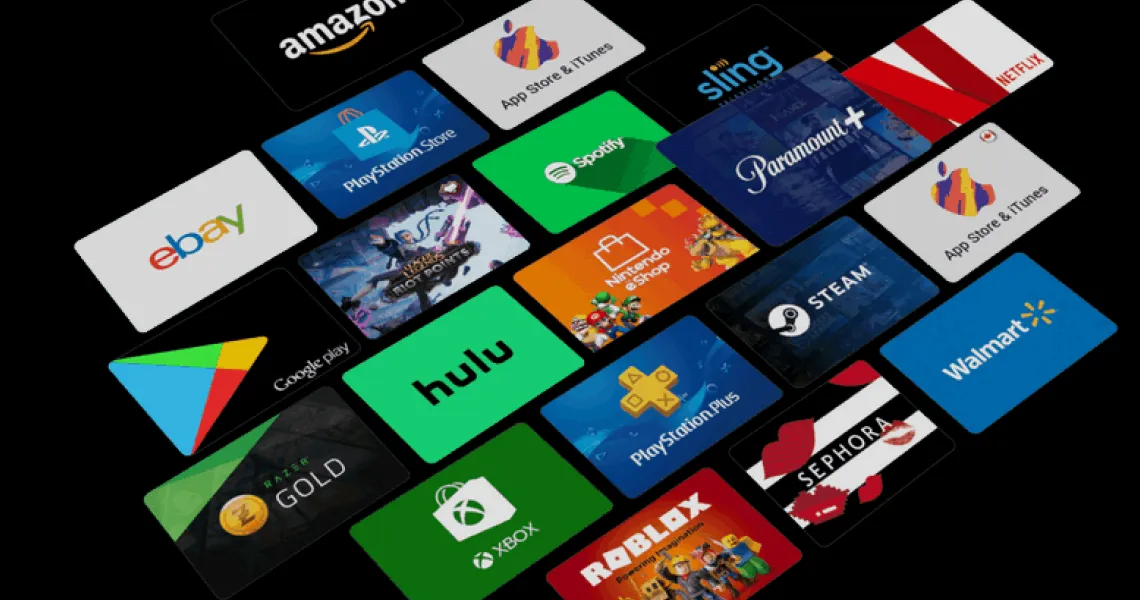
If a gift card code has ever come back as “invalid”, “already used” or “not available in your country”, the odds are overwhelming that nothing is wrong with the card. The code is fine. It simply belongs to a different country’s store than the account you are typing it into. Region locking is the single most common reason a perfectly good gift card refuses to redeem, and it trips up experienced players just as often as newcomers — usually when someone buys a card as a gift for a friend abroad, or picks up a US-denominated card because it looked cheaper. This guide explains how country locks actually work on each major platform, how to check your own account country in under a minute, which platforms let you switch and which lock you in permanently, and what happens to the money already sitting in your wallet if you do move.
Why gift cards are region-locked at all
It feels arbitrary when you are staring at an error message, but the lock exists for reasons that have very little to do with the platforms being difficult. A gift card is a stored-value financial product. It is issued in a specific currency, taxed under a specific country’s VAT or sales tax rules, and backed by a legal entity registered in that country. When you redeem a US card, you are redeeming a claim against a US balance sheet — which is why the money cannot simply appear in a euro-denominated wallet.
- Currency and tax: prices, VAT and sales tax are set per country. A card carries the tax treatment of the market it was sold in.
- Licensing: publishers sell distribution rights territory by territory. Some games are not licensed for sale in every store.
- Pricing parity: regional pricing exists so a game costs a sensible amount relative to local incomes. Cards that moved freely across borders would collapse that.
- Fraud and compliance: gift cards are a favourite tool of scammers, and cross-border redemption is much harder for platforms to monitor and reverse.
- Content ratings: age-rating boards differ by country, so store catalogues differ too.
Region rules by platform
Every platform enforces the same basic idea, but the details differ enough to matter — especially on whether you can change region later, and how often. Here is the 2026 picture across the platforms Virtwave sells for.
| Platform | Card locked to | Can you change account region? | Balance moves with you? |
|---|---|---|---|
| Steam | The currency/country of the wallet code | Yes — needs a local payment method and address; roughly once per three months | Yes — funds convert to the new currency at the current rate |
| PlayStation (PSN) | The country of the PlayStation Store the voucher was issued for | No — the account country is permanent; a new account is the only route | No — a second account has a separate wallet |
| Xbox / Microsoft | The Microsoft account region the card was issued for | Yes — but Microsoft warns against frequent switching | No — Microsoft cannot move funds between regions |
| Google Play | The Play country the card was issued for | Yes — once every 12 months | No — the balance stays usable only in the original country |
| Apple / iTunes | The App Store country the card was issued for | Yes — but balance must be exactly zero first | No — you must spend it down to nothing before switching |
| Razer Gold | The Razer ID region and the card’s currency variant | Region is set on the Razer ID; changes are limited | No — Gold balances are held per region |
| Amazon | The specific Amazon marketplace (amazon.com, .co.uk, .de…) | Marketplaces are separate accounts by design | No — each marketplace has its own balance |
| Roblox | The country and currency the card was issued for | Yes — account country follows your billing details | Robux already credited stays on the account permanently |
How to check your account country in under a minute
Do this before you buy anything. It takes less time than reading this sentence twice, and it is the difference between a code that works instantly and a support ticket.
Steam
- Open Steam and click your account nameTop-right of the client or the store page, then choose “Account details”.
- Look at the “Store Country” lineIt sits in the account information panel, alongside your wallet balance. The currency shown next to your balance is the same signal — a balance in USD means a US store account.
- Match the card to that countryA Steam wallet code issued for another country will be refused at redemption with a currency-mismatch message.
PlayStation & Xbox
- PlayStation: Settings → Users and Accounts → Account → Account Information. The country/region shown there is fixed for the life of the account. You can also spot it from the currency symbol on any PlayStation Store price.
- Xbox: go to your Microsoft account settings on the web, or on console open Settings → System → Language & location. Codes must match the region listed there, not the console’s physical location.
Google Play & Apple
- Google Play: open the Play Store app → tap your profile picture → Payments & subscriptions → Payment methods → Settings. Your Play country is listed there.
- Apple: open Settings → tap your name → Media & Purchases → View Account → Country/Region. On a Mac, it is under App Store → your name → Account Settings.
One nuance people miss on mobile: your Google Play or Apple country is not the same thing as your phone’s language, your SIM, or your current location. It is a billing setting tied to the payment methods on the account, and it only changes when you deliberately change it.
Are Roblox gift cards region locked?
Partly — and the distinction matters, because it is the reason this question gets contradictory answers online. The card is region-tied. The Robux it produces is not.
Can you change your account region?
Sometimes — and the conditions are stricter than most people expect. Every platform that permits a change wants evidence that you have genuinely moved, which in practice means a payment method and billing address in the new country.
| Platform | Allowed? | What it requires | How often |
|---|---|---|---|
| Steam | Yes | A payment method and billing address in the new country; Steam checks your connection location too | About once every three months |
| Xbox / Microsoft | Yes | Update the region in Microsoft account settings; spend your balance first | No hard limit, but repeated switching draws scrutiny |
| Google Play | Yes | A payment method in the new country; no blocking active subscriptions | Once every 12 months |
| Apple | Yes | Balance at exactly $0.00, subscriptions cancelled, pre-orders and rentals finished, a local payment method added | No fixed limit |
| PlayStation | No | Not possible — create a new account with the desired country instead | — |
What happens to your existing balance
This is where a region change quietly costs people money, and it is worth reading twice. Steam is the outlier: it converts your remaining wallet funds into the new currency at the exchange rate on the day. Everyone else simply leaves the money behind.
- Spend your wallet down to zero before any region change (mandatory on Apple, strongly advised elsewhere)
- Cancel or let lapse any subscription billed in the old region
- Wait for pre-orders, rentals and pending refunds to clear
- Have a payment method and address in the new country ready
- Redeem any unused gift cards for the old region before you switch — afterwards they are dead weight
The VPN question, answered honestly
Search for any of this and you will find a wall of articles recommending a VPN. Here is the straight version: a VPN changes the IP address a platform sees, but it does not change your account country, and it does not change what a gift card is denominated in. Every platform that matters verifies region through the payment method and billing address on the account, not through your IP. A VPN alone will not make a US Steam code redeem into a euro wallet.
“The gift card is a financial instrument, not a download. It has to land in a wallet denominated in the same currency it was issued in — no amount of network trickery changes that.”
— Virtwave Payments Team, Senior Payments & Wallet Specialists
Where a VPN is genuinely useful is far narrower than the marketing suggests: connecting to your home region while travelling, so a store behaves the way it normally does for you. Using one to fake residency in a cheaper market is a terms-of-service violation on every platform listed here, and the enforcement in 2026 is real rather than theoretical.
You already bought the wrong card — now what?
First, do not keep re-entering the code. Repeated failed redemption attempts can temporarily lock the redemption page on some platforms, which turns a solvable problem into a waiting game. Work through this instead.
- Confirm it really is a region issueCheck the card’s currency symbol against your wallet’s currency. If they differ, it is a region mismatch and no amount of retrying will help. If they match, the problem is something else — a typo, a card that was not activated at the till, or a code already redeemed.
- Check whether the code is still unusedAn unredeemed code retains its full value. That matters because it means the card still has options, even if your account cannot take it.
- Consider an account that does matchOn Xbox, Google Play and Apple, many people already have a second account tied to another country — a US Apple ID from a previous move, for example. A card that will not redeem on one account may redeem perfectly on another.
- Gift it to someone in that regionThe most practical outcome for an unused card in the wrong currency. It is worth full face value to somebody whose account is set to that country.
- Contact the seller, not the platformPlatforms will not convert a code between regions — they cannot. The seller you bought from is the only party who can help with an unused code. Reputable sellers, Virtwave included, will work with you on an unredeemed code bought in error.
Buying the right card the first time
All of the above disappears if you get the purchase right, which takes about thirty seconds of checking. This is the routine our support team walks customers through.
- Open the account you will redeem into and read its country setting — do not rely on memory
- Buy the card for that country, not the country you are in
- Match the currency: a $ card goes into a $ wallet, a £ card into a £ wallet
- Buying a gift? Ask the recipient for their account country first — it is not rude, it is the whole game
- For Amazon, check the exact marketplace (amazon.com and amazon.co.uk are different stores with separate balances)
- Keep the code private until the moment you redeem it
If you want the platform-specific detail, our redemption guides cover each store end to end: the complete Steam gift card guide walks through wallet codes and the 15-character format, the Xbox gift card guide covers redeeming and checking balance on console and web, and the guide to redeeming a Google Play gift card includes the country checks described above in full.
Why does my gift card say “invalid” when the code is definitely correct?
Are Roblox gift cards region locked?
Can I use a US gift card outside the United States?
Will a VPN make a wrong-region gift card work?
Can I change my PlayStation account country?
What happens to my Steam wallet balance if I change my store country?
How often can I change my Google Play country?
Why won’t Apple let me change my region?
Is a region-locked card still worth anything?
The Virtwave Payments Team has processed millions of gift card top-ups across 80+ countries. They test every major wallet platform (Razer Gold, PSN, Steam, Google Play, Apple, Xbox) on a weekly cadence to keep our how-to content accurate.


