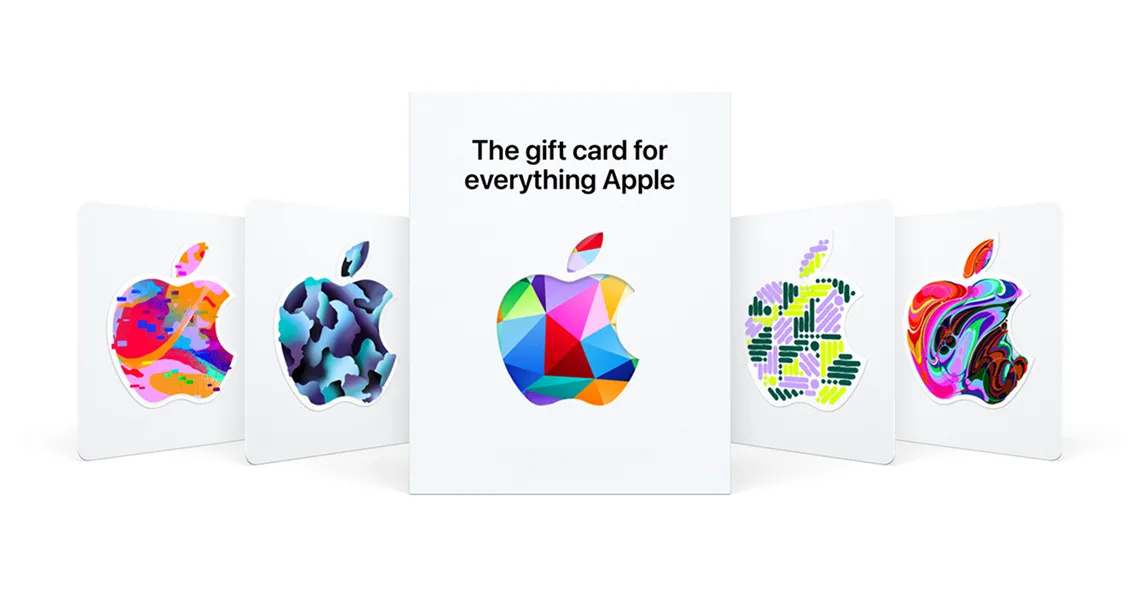
An Apple Gift Card is the simplest way to pay for App Store games, in-app purchases and subscriptions like Apple Arcade or Apple Music without linking a bank card to your Apple Account. Once redeemed, the value becomes Apple Account balance — a store credit that iOS games such as Genshin Impact, Roblox, Call of Duty: Mobile, Clash of Clans and Pokémon GO all draw from automatically at checkout. This guide walks you through every official way to redeem an Apple Gift Card on iPhone, iPad and Mac, how to confirm your new balance, and how to fix a code that won’t redeem.
First: which Apple card do you actually have?
This is the single most common source of failed redemptions, so it is worth 30 seconds before you start. Apple sells two different cards that look similar but behave very differently. Only one of them redeems into the App Store.
| Card | Redeem code starts with | Use it for |
|---|---|---|
| Apple Gift Card (also App Store Card / App Store & iTunes Gift Card) | An “X” followed by 15 more characters | App Store games & apps, in-app purchases, Apple Arcade, Apple Music, iCloud+, Apple TV+ — and, on the unified Apple Gift Card, Apple hardware too |
| Apple Store Gift Card (gray, silver, white or gold) | A long numeric code (no “X”) | Physical products at an Apple Store or apple.com only — this card cannot be redeemed in the App Store |
What your Apple Account balance buys
When you redeem an Apple Gift Card, the funds are pooled into your Apple Account balance and spent automatically before any card on file. For a gamer, that means:
- Paid iPhone and iPad games, plus in-app purchases and battle passes in titles like Genshin Impact, Roblox, Brawl Stars, Marvel Snap and Call of Duty: Mobile.
- Apple Arcade — a single subscription that unlocks 200+ ad-free, in-app-purchase-free games across iPhone, iPad, Mac and Apple TV.
- Subscriptions billed through Apple: Apple Music, iCloud+, Apple TV+, and app subscriptions bought inside the App Store.
- Movies, TV and books from the Apple TV and Apple Books stores.
Before you redeem
Two quick checks now will spare you the most common redemption failures — both come down to matching the code to the account.
- Sign in with the Apple Account you want the balance on — the credit goes to whichever account is active, and it cannot be moved afterwards.
- Confirm your account’s country matches the card’s country. A US card only redeems on a US-based Apple Account.
- Find the 16-digit code on the back of the card — you may need to peel or gently scratch off the label to reveal it. It begins with “X”.
- Make sure iOS/iPadOS or macOS is up to date so the “Redeem Gift Card or Code” option appears exactly where the steps below describe.
Method 1 — Redeem on iPhone or iPad
This is the fastest method and the one Apple recommends. The camera option means you rarely have to type the code at all.
- Open the App Store appConfirm you are signed in to the correct Apple Account — tap your photo and read the name and email at the top.
- Tap your photo or the sign-in button (top right)This opens the Account screen where the redeem option lives.
- Tap “Redeem Gift Card or Code”It sits just below your subscriptions and purchase history.
- Choose “Use Camera” or “Enter Code Manually”Use Camera lines the code up automatically — hold the card steady inside the frame. If the label is scratched or the light is poor, tap “Enter Code Manually” and type all 16 characters, starting with the “X”.
- Tap RedeemThe value is added to your Apple Account balance immediately, and you will see the new total on the confirmation screen.
Method 2 — Redeem on a Mac
No iPhone handy? You can redeem straight from your Mac and the balance will be waiting on every device signed in to the same Apple Account.
- Open the App StoreLaunch the App Store from the Dock or Launchpad and make sure the right account is signed in.
- Click your name or the sign-in button in the sidebarIt is at the bottom-left of the App Store window.
- Click “Redeem Gift Card”This opens the redemption screen with the camera and manual-entry options.
- Click “Use Camera”, or enter the code manuallyIf you use the camera, hold the gift card 4–7 inches (10–18 cm) from the lens until it reads the code. Otherwise type the 16-character code beginning with “X”, then confirm.
How to check your Apple Account balance
After redeeming, it takes ten seconds to confirm the credit landed:
- On iPhone or iPad, open the App Store and tap your photo. If you have a balance, it appears as an amount near the top of the Account screen, just under your name.
- On a Mac, open the App Store and click your name in the sidebar — the balance shows next to your account details.
- You can also see it under Settings → [your name] → Media & Purchases → View Account on iPhone.
Region rules: where an Apple Gift Card works
Apple Gift Cards are country-locked, and — just like Google Play — that rule bites at two separate moments. Understanding both saves you from buying the wrong card.
| Stage | What Apple checks | Message if it fails |
|---|---|---|
| At redemption | Your Apple Account’s country must match the card’s country | “This code must be redeemed in the [country] store.” |
| When you spend | Your Apple Account stays set to that same country | Purchases fail or the App Store switches storefronts |
Troubleshooting a code that won’t redeem
If Apple rejects your code, work through this list before assuming the card is faulty. In our experience the first three cover almost every case.
- Wrong card typeCheck the code begins with “X”. If it is all numbers, it is an Apple Store Gift Card (gray/silver/gold) for hardware only, which the App Store cannot redeem.
- Region mismatchA message like “this code must be redeemed in the [country] store” means the card and your Apple Account country don’t match. Check the card’s region on the Virtwave product page and buy one that matches your account.
- Typos and look-alike charactersTap “Enter Code Manually” and re-type carefully. Apple codes never contain the letter O or the number 0 in confusing spots, but watch for 1/I, 5/S and 8/B. Better still, use the camera scan to avoid typing altogether.
- “Already redeemed”You may have redeemed it before, or it is on another account. Sign out of the App Store on all your devices, sign back in, and check your balance. If it was bought from Virtwave and genuinely will not work, contact support with your order details.
- Damaged or unreadable codeIf the printed code is scratched off or unreadable, Apple Support can help using your proof of purchase. Keep your Virtwave order confirmation handy.
Apple Gift Card vs Google Play for mobile gaming
If you game across both iOS and Android, it helps to know exactly where each wallet fits.
Frequently Asked Questions
Can I use an Apple Gift Card for in-app purchases and game currency?
Does an Apple Gift Card work for Apple Arcade?
What’s the difference between an Apple Gift Card and an Apple Store Gift Card?
Can I redeem an Apple Gift Card from another country?
Does Apple Account balance expire?
The Virtwave Payments Team has processed millions of gift card top-ups across 80+ countries. They test every major wallet platform (Razer Gold, PSN, Steam, Google Play, Apple, Xbox) on a weekly cadence to keep our how-to content accurate.


