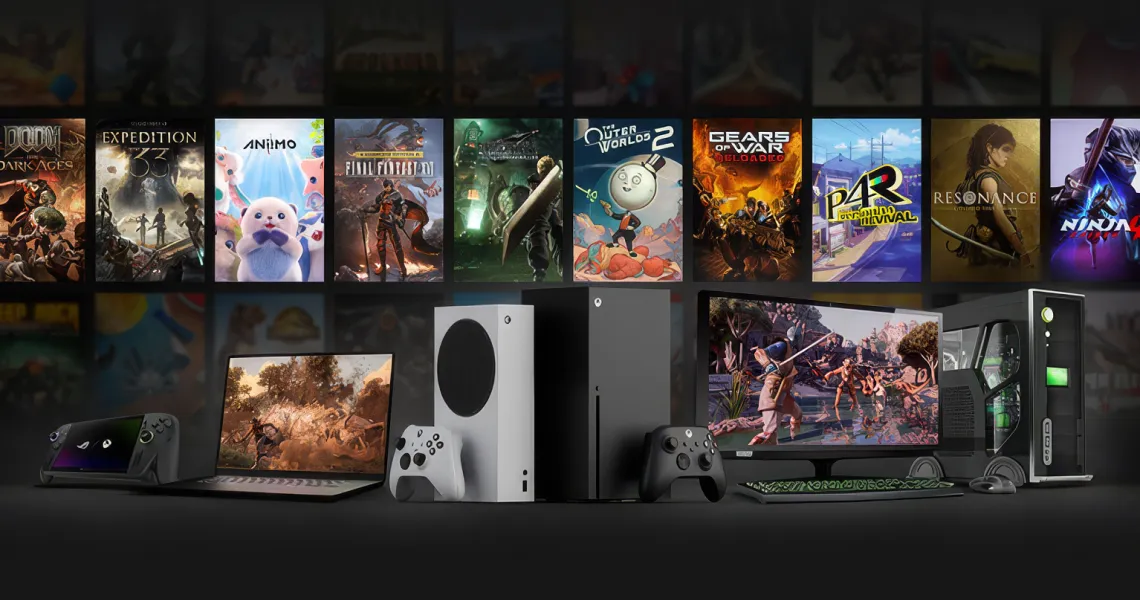
“Is it cross-platform?” is the most-asked question in gaming and the least useful one, because it is really three different questions wearing a trench coat. Can I play with my friend on the other console? Will my account come with me if I switch? And — the one almost nobody asks until it is too late — does the money I have already spent come with me too? The answers are different for every game, and they are often different from each other within the same game. Call of Duty will happily put you in a lobby with your friend on PlayStation and carry your unlocks to any platform you sign in on, then flatly refuse to let you spend a single CoD Point you bought on the wrong one. Here is the whole picture for 2026, one game at a time.
Three questions hiding in one
These three things get bundled under “cross-platform” in headlines, store pages and even publisher marketing, and they are genuinely independent of one another. A game can have all three, any two, or none. Helldivers 2 has full crossplay and no cross-progression whatsoever. EA Sports FC has crossplay only inside a console generation. Sorting out which is which is most of the battle.
| Term | What it means | What it does not give you |
|---|---|---|
| Crossplay | You can be in the same match, lobby or party as someone on a different platform | Nothing about your account. Your friend’s skins are not your skins |
| Cross-progression (cross-save) | One publisher account holds your level, unlocks and cosmetics wherever you sign in | It does not automatically merge the currency you have already bought |
| Shared wallet | Premium currency bought on one platform is spendable on another | This is the exception in 2026, not the rule — check per game |
| Store wallet (Steam, PSN, Xbox, eShop) | The balance you load with a gift card, spent inside that one store | It never reaches another store. No game changes this |
Crossplay and cross-progression, game by game
Thirteen of the games people actually ask about, as of August 2026. “Crossplay” means you can play together; “cross-progression” means your account and unlocks travel. Read the third column — it is where every one of these has a wrinkle.
| Game | Crossplay | Cross-progression | The catch |
|---|---|---|---|
| Fortnite | Yes — every platform | Yes, via your Epic Games account | Nintendo Switch keeps a separate V-Bucks wallet in both directions |
| Minecraft (Bedrock) | Yes — console, PC and mobile | Yes, via your Microsoft account | Java Edition is a separate island — Java and Bedrock players cannot mix |
| Call of Duty: Black Ops 7 | Yes — PlayStation, Xbox, PC, and cross-generation | Yes, via your Activision account | Items you bought are shared. The CoD Points themselves are not |
| Apex Legends | Yes — PC, PlayStation, Xbox, Switch | Yes, automatic once platforms are linked to one EA account | PC, PlayStation and Xbox coins merge; Nintendo coins stay on Nintendo |
| VALORANT | Console to console only — never PC to console | Yes, via your Riot account | Competitive rank is tracked separately on each platform |
| Marvel Rivals | Yes in casual modes; ranked separates PC from console | Not yet — NetEase has said it is planned | Switch platform today and your progress starts from zero |
| Helldivers 2 | Yes — PS5, PC and Xbox Series X|S | No | Level, warbonds, samples and Super Credits are all chained to one platform |
| EA Sports FC 26 | Same console generation plus PC only | Within a platform family only (PS4 → PS5, Xbox One → Series X|S) | Nintendo Switch has no crossplay at all |
| Rocket League | Yes — all platforms | Yes, via your Epic Games account | Items bought with Credits are shared; the Credits themselves are not |
| Overwatch 2 | Yes in casual; competitive splits PC from console | Yes, via your Battle.net account | Console players queue ranked with console players only |
| Roblox | Yes — everywhere the client runs | Yes, one Roblox account holds everything | What a Robux bundle costs differs by platform, even though the balance is shared |
| Genshin Impact | Co-op works across PC, mobile, PlayStation and Xbox | Yes, cross-save through a HoYoverse account | Genesis Crystals only merged in Version 5.8 — older guides still say otherwise |
| GTA Online / GTA 6 | No | No | Rockstar has never shipped crossplay, and nothing is announced for GTA 6 |
Does the money follow you?
This is the column that costs people real money, and it is the one that almost never makes it into a “is it cross-platform” article. A game can carry your entire cosmetic library between platforms and still strand the currency sitting in it. The rule of thumb: if the publisher runs its own wallet (Epic, EA, Riot, Microsoft, HoYoverse), the balance has a good chance of travelling. If the purchase is processed by the console store, it usually does not.
| Currency | Crosses platforms? | The detail that matters |
|---|---|---|
| V-Bucks (Fortnite) | Yes | One shared wallet across PlayStation, Xbox, PC, mobile and cloud. Nintendo Switch is excluded both ways, and V-Bucks earned from a Pass or Save the World are shared everywhere |
| Apex Coins | Yes | Cross-progression merges your PC, PlayStation and Xbox balances into one. Coins bought on Nintendo remain visible only on Nintendo |
| VALORANT Points | Yes | VP sits on the Riot account, so it is spendable on PC or console. Riot’s prepaid gift cards, however, are PC-only |
| Minecoins | Yes | They follow your Microsoft account across Bedrock platforms. PlayStation is the odd one out — it uses its own Tokens |
| Genesis Crystals (Genshin) | Yes, since Version 5.8 | PlayStation and PC/mobile balances were merged into a single total once PSN is linked to a HoYoverse account |
| CoD Points | No | You can only spend CP on the platform you bought it on. Everything you buy with it is shared across your Activision account |
| FC Points (EA Sports FC) | No | The FUT transfer market is merged across consoles; the points wallet is not |
| Rocket League Credits | No | Credits and Esports Tokens stay put. The items you spend them on are shared across linked accounts |
| Super Credits (Helldivers 2) | No | Nothing crosses in Helldivers 2 — there is no cross-progression at all |
| Steam / PSN / Xbox / eShop wallet | Never | Store balance is bound to that store and that account region, for every game on it |
Store wallets never cross. Ever.
Worth stating plainly, because it is the single most common misunderstanding we see: a Steam wallet balance cannot buy anything on PlayStation, an Xbox balance cannot buy anything on Steam, and no amount of account linking changes that. Steam, PlayStation Store, Microsoft Store and the Nintendo eShop are four separate retailers who happen to sell some of the same games. Cross-progression is a deal between you and a publisher. It has no bearing on where a retailer will let you spend.
Three rules that explain almost every case
- Content follows the account, currency follows the store. If a publisher account holds your unlocks, those unlocks travel. If a console store processed the payment, the balance usually stays with that store.
- The exceptions are publishers who run their own wallet. Epic, EA, Riot, Microsoft and HoYoverse all operate account-level currency, which is exactly why V-Bucks, Apex Coins, VP, Minecoins and Genesis Crystals can cross while CoD Points and FC Points cannot.
- When there is an exception to the exception, it is usually Nintendo. Fortnite and Apex both share wallets everywhere except Switch. Minecraft shares Minecoins everywhere except PlayStation, which uses Tokens. EA Sports FC excludes Switch from crossplay entirely.
Apply those three and you will get the right answer for most games without looking anything up. The residual risk is that these rules change — Genshin merged its PlayStation crystals in Version 5.8, Apex merged its coins when cross-progression shipped, and Fortnite’s shared wallet only took in PlayStation purchases from update v20.40 onward. A guide written two years ago is not just stale on this topic, it is actively wrong.
How to link your accounts properly
Cross-progression is almost never automatic on its own — it needs your platform profile connected to the publisher account. This is a five-minute job per game, and it is worth doing before you spend anything rather than after.
- Fortnite and Rocket League — Epic Games accountSign in at your Epic account settings, open Connections, and link each console profile. One Epic account can hold one profile per platform, so link the accounts you actually play on.
- Apex Legends and EA Sports FC — EA accountLink PlayStation, Xbox and PC (Steam or EA app) profiles to a single EA account. In Apex this switches on cross-progression and merges the coin balance for those three; in FC it links your club within a platform family.
- Call of Duty — Activision accountBlack Ops 7 asks you to sign in to an Activision account when you play online, which is what makes crossplay and cross-progression work. Link every platform you own so unlocks appear on all of them.
- VALORANT and League — Riot accountSign in on console with the same Riot ID you use on PC and your inventory, agents and VP are already there. Rank is the one thing that stays separate per platform.
- Minecraft Bedrock — Microsoft accountSign in to the same Microsoft account on every device, including Switch and PlayStation. Marketplace purchases, skins and Minecoins follow the account, not the console.
- Overwatch 2 and Blizzard titles — Battle.netConnect each console to one Battle.net account. Cosmetics, stats and Battle Pass progress then sync across PC, PlayStation, Xbox and Switch.
Switching platform without losing everything
If you are moving from one console to another — or adding a PC alongside — do it in this order, and you will lose as little as possible.
- Spend the stranded balances firstAnything in the “No” column above is worth spending before you move. CoD Points, FC Points, Rocket League Credits and Helldivers Super Credits will not follow you, so leaving 900 CP behind is simply money burnt.
- Link before you buy on the new platformConnect the new console to your existing publisher accounts before your first purchase. Buying first and linking after is how people end up with two half-populated accounts.
- Check what is genuinely re-buyableFree-to-play games carry your cosmetics over. Paid games do not — a copy of a game bought on PlayStation stays on PlayStation, and you buy it again on the new platform.
- Set the region on the new account to match your cardsIf you have been buying gift cards for one region, register the new account to that same region. Mismatched regions are the most common reason a working code refuses to redeem.
Buying for someone on a different platform
Crossplay makes it tempting to buy a friend a copy of whatever you are playing, and this is where the platform question bites hardest. You cannot gift a Steam copy to someone who plays on PS5. You cannot send Xbox content to a Nintendo account. What you can do is give them balance in the store they already use, and let them buy the platform-correct version themselves — which also sidesteps the awkward case where they already own it.
- Ask which platform they actually play on before buying anything — “they play Fortnite” is not enough information.
- Ask which country their account is registered to, not which country they live in.
- For a specific game, gift through that platform’s own store; for anything else, a store gift card is the safer choice.
- For in-game currency, buy the store card and let them buy the currency in-game, so the purchase lands in the right wallet.
Before you buy anything
- You know whether you want crossplay, cross-progression or a shared wallet — they are not the same request.
- Your platform profiles are linked to one publisher account, done before the first purchase rather than after.
- You have checked whether this game’s currency crosses platforms, using the table above rather than a two-year-old forum post.
- You are buying the store card for the store you will actually spend in.
- The card region matches the account region.
- If you are about to switch platform, you have spent any balance that will not travel with you.
FAQs
What is the difference between crossplay and cross-progression?
Do V-Bucks transfer between platforms?
Can I use my CoD Points on a different platform?
Can I spend my Steam wallet balance on PlayStation or Xbox?
Why do Nintendo platforms keep getting excluded?
If I switch from PlayStation to Xbox, do I have to buy my games again?
Does cross-progression merge my in-game currency automatically?
Console-first editors with combined 20+ years covering PlayStation, Xbox, Nintendo and PC gaming ecosystems. They write the practical guides our customers actually use to set up and troubleshoot their accounts.


